Smart Thermostat Checklist
Free printable smart thermostat installation checklist for HVAC compatibility, C-wire needs, wiring photos, app setup, schedules, rebates, quotes, and account handoff.
Last updated: September 23, 2026
Built for smart thermostat installation: HVAC compatibility, wiring photos, C-wire needs, app setup, Wi-Fi, schedules, rebates, testing, technician follow-up, and account ownership.

Checklist formats
Edit online, print, or save this template
Start with the ready-made smart thermostat installation checklist, customize the tasks, then print a clean copy or save it as a PDF.
- Items
- 10 editable tasks
- Time / effort
- 15-45 minutes per session
- Best for
- Free printable smart thermostat installation checklist for HVAC compatibility, C-wire needs, wiring photos, app setup, schedules, rebates, quotes, and account handoff.
- Focus
- Free printable smart thermostat installation checklist for HVAC compatibility, C-wire needs, wiring photos, app setup, schedules, rebates, quotes, and account handoff.
Need a custom version?
Create a job-ready service checklist
Workflow checklist pack · $199-$499 one-time · quote confirmed before work starts.
Service workflow upgrade
Create a job-ready service checklist
Add zones, service scope, inspection notes, exceptions, supplies, before-and-after proof, and customer signoff so the checklist fits the actual job.
- Job scope and zones
- Inspection and exception fields
- Customer-ready signoff
Business-ready checklist
Reach people planning this exact job
ReadyChecklist is open to simple sponsorships, licensed checklist templates, and co-branded versions for home-service companies, contractor marketplaces, repair providers, installation services, maintenance brands, inspection tools, and local service operators.
Quick answer
What this checklist is for
Built for smart thermostat installation: HVAC compatibility, wiring photos, C-wire needs, app setup, Wi-Fi, schedules, rebates, testing, technician follow-up, and account ownership.
- Best for
- Free printable smart thermostat installation checklist for HVAC compatibility, C-wire needs, wiring photos, app setup, schedules, rebates, quotes, and account handoff.
- Core checklist items
- Record current thermostat brand, wiring photo, HVAC type, heat pump status, stages, C-wire availability, voltage, zone system, humidifier, and accessory equipment, Check compatibility using manufacturer tools, HVAC manual, wire labels, control board notes, utility rebate rules, Wi-Fi strength, app requirements, and household preferences, Turn off HVAC power before removing the old thermostat and label every wire before disconnecting anything from the wall plate, Call an HVAC technician for high-voltage systems, unclear wiring, missing C-wire, communicating systems, multi-stage confusion, heat pump auxiliary heat, or accessory control uncertainty, Compare HVAC technician quotes for compatibility check, C-wire adapter, accessory wiring, app setup, utility rebate documentation, service fee, warranty, and follow-up visit
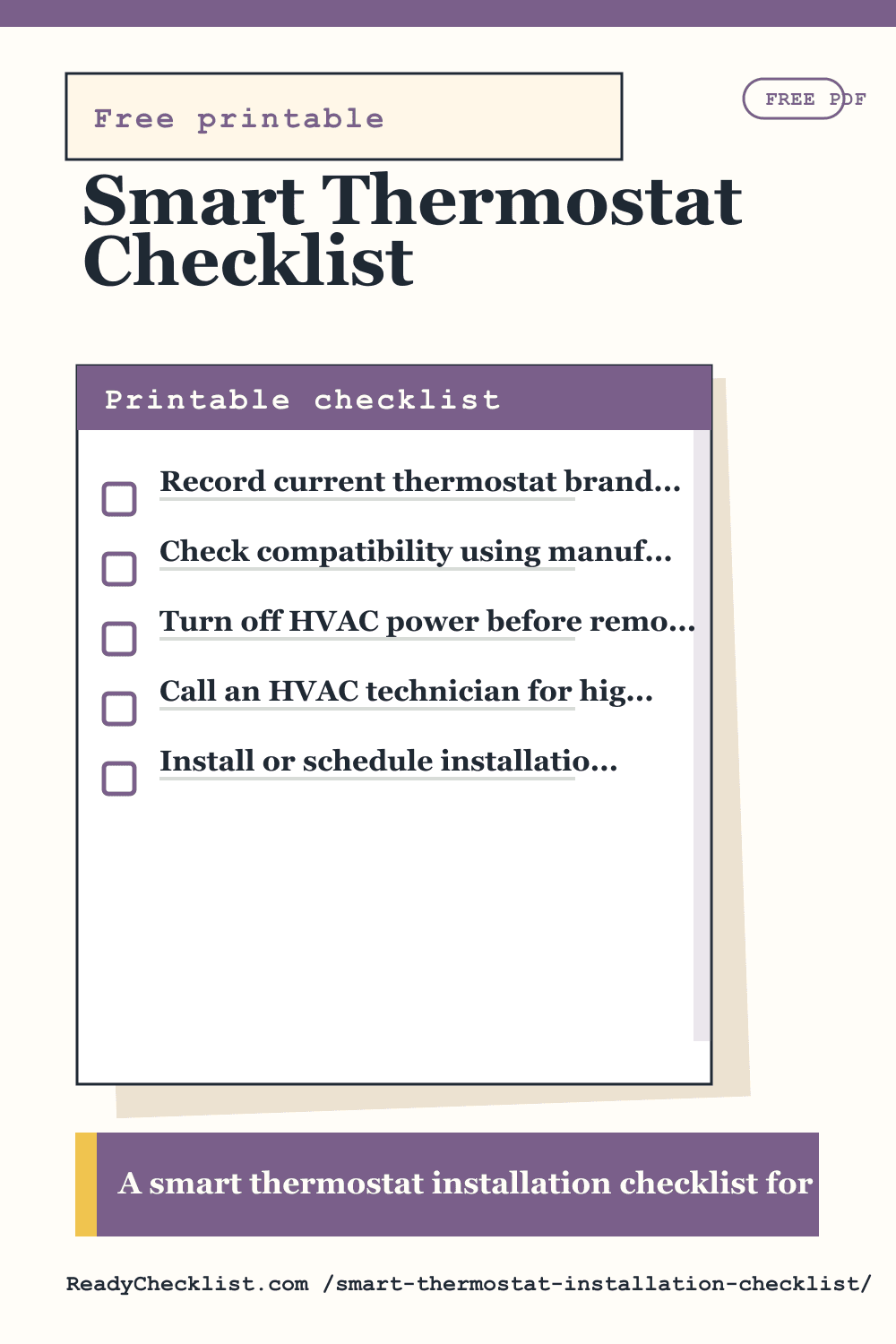
Printable smart thermostat installation checklist
- Record current thermostat brand, wiring photo, HVAC type, heat pump status, stages, C-wire availability, voltage, zone system, humidifier, and accessory equipment
- Check compatibility using manufacturer tools, HVAC manual, wire labels, control board notes, utility rebate rules, Wi-Fi strength, app requirements, and household preferences
- Turn off HVAC power before removing the old thermostat and label every wire before disconnecting anything from the wall plate
- Call an HVAC technician for high-voltage systems, unclear wiring, missing C-wire, communicating systems, multi-stage confusion, heat pump auxiliary heat, or accessory control uncertainty
- Compare HVAC technician quotes for compatibility check, C-wire adapter, accessory wiring, app setup, utility rebate documentation, service fee, warranty, and follow-up visit
- Install or schedule installation with wall plate, anchors, wire connections, C-wire adapter if needed, display setup, app pairing, Wi-Fi, and account ownership
- Configure heating, cooling, fan, heat pump, auxiliary heat, schedules, geofencing, sensors, alerts, vacation mode, and utility demand response only after confirming operation
- Test heat, cooling, fan, emergency heat if applicable, temperature reading, remote access, alerts, and whether equipment cycles normally after setup
- Before final payment, confirm app ownership, household access, schedule backup, old thermostat disposal, rebate proof, installer notes, and support contact details
- Save wiring photo, compatibility result, model number, rebate receipt, installer notes, account owner, schedule settings, and seasonal HVAC check reminder
How to use this checklist
Built for smart thermostat installation: HVAC compatibility, wiring photos, C-wire needs, app setup, Wi-Fi, schedules, rebates, testing, technician follow-up, and account ownership. Bookmark /smart-thermostat-installation-checklist/ if you use this checklist repeatedly.
Planning tips for this checklist
Compatibility comes before brand choice
HVAC type, wire labels, C-wire, heat pump, stages, accessories, voltage, and zone systems should be checked before buying or installing.
Photograph every wire
A clear old-thermostat wiring photo and wire labels are the cheapest insurance against setup confusion or a support call.
Test the equipment, not just the app
Heat, cooling, fan, auxiliary heat, schedules, alerts, and remote access should all work before the installation is considered done.
Frequently asked questions
What should I include in a smart thermostat installation checklist?
A useful smart thermostat installation checklist should include the tasks that matter before, during, and after the situation. Start with the printable list, remove anything that does not apply, and add personal details such as dates, names, addresses, or supplies.
Can I print this smart thermostat installation checklist?
Yes. Use the checklist generator to edit the tasks, then choose Print / Save PDF. A printed checklist is helpful when several people need to share the same plan.